You need 100,000 subscribers, a complete channel profile, and 2-step verification turned on your Google account to apply for the YouTube verification badge in 2026. YouTube then reviews your channel for authenticity — confirming you’re the real creator, brand, or business you claim to be — before granting the gray checkmark. The review takes a few days to a few weeks. The badge doesn’t boost rankings or unlock extra features, but it does build trust with brands, platforms, and viewers, and it makes copycat channels easier to report and remove.
Key Takeaways
- You need 100,000 subscribers to apply — but that’s just the starting point.
- YouTube also checks authenticity and completeness: a finished profile, a public presence outside YouTube if you’re not yet a public figure, and no unresolved policy violations.
- 2-step verification on your Google account is a hard requirement, separate from the subscriber count.
- The badge doesn’t boost search rankings or unlock extra features — YouTube states verified channels “don’t get extra features” and don’t represent an award or endorsement.
- The badge won’t stop someone from trying to impersonate you, but it gives you a documented, verified identity to point to when you report a copycat channel.
- OAC (Official Artist Channel) is a separate, higher-tier verification for musicians, requested through your label or distributor — not applied for directly.
What YouTube Verification Means (100k Checkmark)
The gray checkmark doesn’t come with special features. It doesn’t boost your videos in search overnight. What it does is signal authority: it tells potential partners, platforms, and viewers that your channel represents a real creator, brand, or business.
For creators pushing past 100,000 subscribers, this YouTube checkmark is the platform’s public handshake that says, “We see you. You’re official.” It’s a different signal than the Silver Play Button — the Play Button rewards a subscriber milestone, while the verification badge confirms identity.
Phone Verification Isn't the Badge
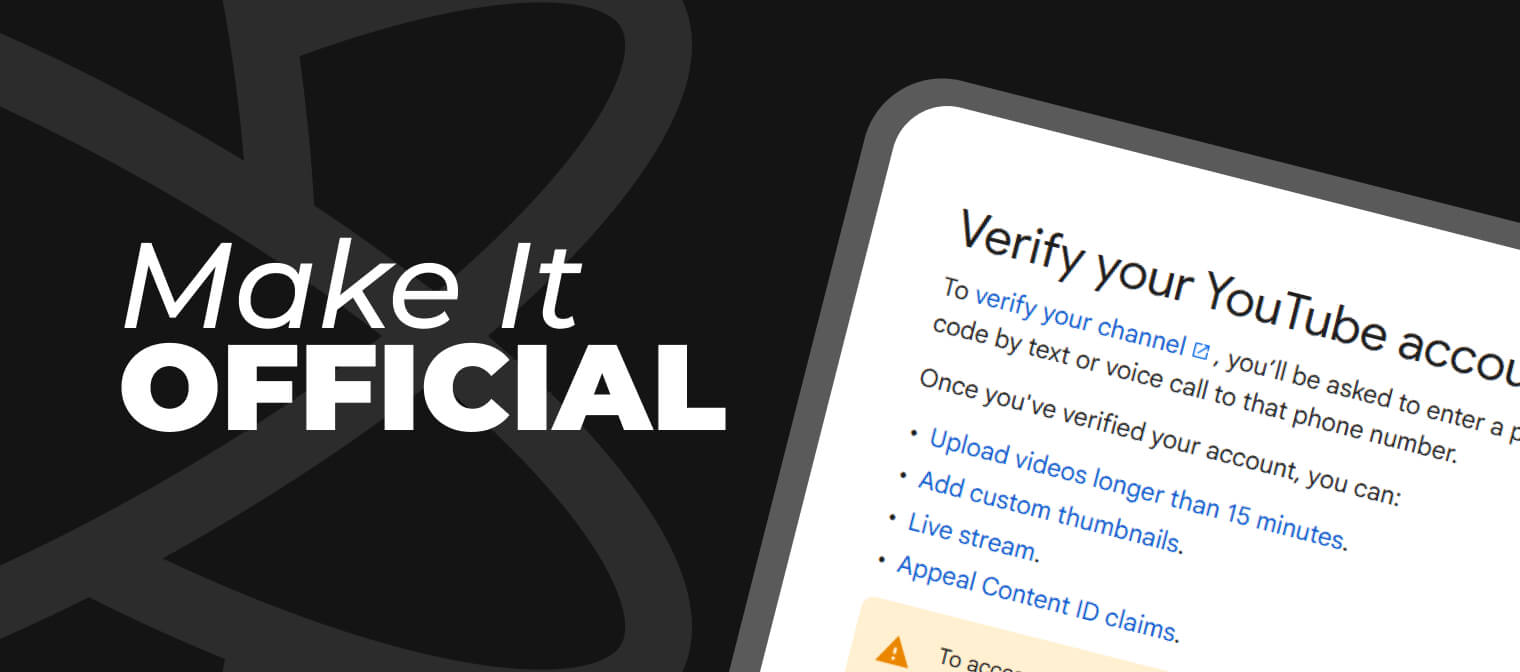
Want custom thumbnails, live streaming, or uploads over 15 minutes? That's phone verification, not the badge this guide covers — and it's much simpler. Any channel can do it right away, no subscriber count required. Go to YouTube Studio > Settings > Channel > Feature eligibility, click Verify phone number, and enter the code YouTube sends you. Do that, and those three features are yours immediately.
YouTube Channel Verification Requirements: Who Can Get Verified
You need 100,000 subscribers to apply for YouTube channel verification, but subscriber count alone isn’t a guarantee. YouTube checks three more criteria before granting the badge:
- Authenticity. You are who you say you are — a real person, company, or brand with a presence that can be confirmed. If you’re a known personality, musician, or business outside of YouTube, that helps YouTube verify your identity faster.
- Completeness. Your channel needs a profile picture, a channel banner, an updated description, and at least one public video that’s been live for a while. An incomplete or dormant channel won’t make the cut, no matter the subscriber count.
- 2-step verification. Your Google account must have 2-step verification turned on before YouTube will show you the option to apply. If you have 100,000 subscribers but are missing this or a complete profile, YouTube shows you what to fix first instead of the application form.
YouTube says 100,000 is the line, but there are exceptions. If you have a strong brand elsewhere — a large following on TikTok, or you’re a public figure — you might get verified earlier. You’ll have to make that case directly through YouTube’s process; it isn’t automatic.
How to Apply for YouTube Verification
Once you clear the 100,000-subscriber threshold and the requirements above, applying is a short process:
- Check your eligibility. Open YouTube Studio, go to Settings > Channel — that's where your verification request form appears once you qualify, with an Apply button. If not, YouTube shows you what's missing — usually 2-step verification or profile completeness.
- Turn on 2-step verification and complete your profile, if you haven't already. This is a gate, not a suggestion — the Apply button won't show until both are done.
- Submit your channel name and Channel ID. Find your Channel ID in YouTube Studio > Settings > Advanced Settings.
- Wait for review. Don't change anything major — your channel name, branding, or content format — while your application is pending.
Want to get verified on YouTube faster?
As a YouTube Certified Partner, we escalate through internal channels — the same route that broke a months-long AdSense deadlock for our partners. → Get verification support.
What Happens After You Apply: Timeline and Review Process
YouTube says review can take several weeks. There’s no guaranteed timeline, and YouTube doesn’t publish a fixed SLA for verification decisions.
During this window, YouTube checks the same authenticity and completeness signals from your application — channel age, identity documentation if requested, and whether your branding matches who you claim to be. Avoid renaming your channel, replacing your profile picture, or making other identity-level changes while you wait; changes mid-review can restart the authenticity check.
If your channel qualifies but the application form still isn’t showing up a few days after you hit 100,000 subscribers or turn on 2-step verification, that’s normal — YouTube’s systems can take time to update. Check back rather than reapplying.
Why Some Creators Get Rejected
If you’re rejected, don’t panic. It usually comes down to one of these:
- Inactivity (no recent uploads or an abandoned-channel feel).
- Identity confusion (brand name overlaps or unclear representation).
- Strikes or policy violations.
- Incomplete branding (no profile image, banner, or About info) — see tools for polishing your channel design.
Fix whatever’s missing and reapply. There’s no cooldown penalty for reapplying once the underlying issue is resolved.
What Verification Does for Your Channel
Verification doesn’t add features, and it doesn’t guarantee ranking. What it does is remove friction at the exact moments that matter most for growth:
- It’s leverage in brand deals. When you negotiate a partnership, the badge adds credibility instantly — a brand that searches your name and sees the checkmark has already passed you on the legitimacy test.
- It shortcuts trust with viewers. YouTube doesn’t confirm a direct ranking boost, but users are more likely to click and engage with verified channels in search and comments. Over time, that behavioral edge compounds.
- It gives copycat reports a paper trail. YouTube won’t verify a channel that’s impersonating another creator or brand, and if it finds a channel deliberately impersonating someone else, it can take further action.
Being verified doesn’t prevent someone from trying to clone your channel — it gives you a documented, authentic identity to point to when you file the report.
What Happens If You Change Your Channel Name?
You lose the badge. YouTube pulls it instantly, and you have to reapply under the new name — the entire review process starts over.
If you’re planning a rebrand, choose your channel name carefully before you apply for verification, or wait until after you’re verified to make the change.
What About Channels Under 100,000 Subscribers?
There are rare exceptions. If you’re a well-known figure or brand outside of YouTube, or your content has cultural or press significance, YouTube may approve you early — but don’t count on it.
Instead, focus on reaching 100,000 the strategic way:
- Use translation and localization to tap into new regions.
- Launch 24/7 live streams with high-retention content.
- Optimize your metadata for search and relevance.
- Post consistently and experiment with Shorts to build momentum.
Not at 100K yet?
Verification eligibility is a growth problem before it's an application problem. If you're stuck below the threshold, talk to us about an audit and a growth plan built around getting you there.
What Happens After You Get Verified
Getting the badge isn’t the finish line — you can lose it. YouTube pulls verification if you:
- Violate YouTube’s Terms or Community Guidelines.
- Change your channel name.
- Let your channel go dormant or delete key elements like the description or profile picture.
The best way to keep verification is to treat your channel like a brand: keep it active, consistent, and free of risky behavior that could trigger demonetization or a channel ban.
And if something breaks on YouTube’s end rather than yours, having a Certified Partner in your corner matters. When a Georgian creator’s AdSense verification stalled for months — the confirmation code simply never arrived, across eight phone numbers and every device YouTube support suggested — ScaleLab’s escalation route through YouTube’s internal partner channels got it resolved after months of dead ends.
Verification vs. Official Artist Channel
If you’re an artist or public figure, your path to verification looks different from the standard checkmark process. YouTube issues Official Artist Channel (OAC) status — marked by a music-note badge — for official artist channels, and the requirements aren’t about subscriber count at all.
To qualify for an OAC, you need to:
- Own and operate a single artist’s or band’s channel focused on that artist’s or band’s music.
- Have at least one official music release distributed by a recognized Music Distributor or Label.
- Meet YouTube’s Community Guidelines, Terms of Service, and Copyright policies.
- Work with a YouTube Partner Manager, be part of the YouTube Partner Program, or have music distributed by a YouTube-listed music partner.
Unlike the standard verification badge, you can’t apply for an OAC directly — your label or distributor requests it on your behalf. There’s no subscriber threshold: small independent artists qualify as long as they meet the criteria above.
Verification Badge vs. Official Artist Channel
|
Verification Badge (Checkmark) |
Official Artist Channel (Music Note) |
|
|
Who it’s for |
Any real creator, brand, or business |
Musicians and bands only |
|
Subscriber requirement |
100,000 |
None |
|
How you apply |
Directly, through YouTube’s verification form |
Through your label or distributor |
|
What it confirms |
Channel authenticity and identity |
Official music catalog ownership |
Note: the checkmark you see next to a channel name in search results, videos, and comments is the same verification badge described above — it isn’t a separate program. If you’re not sure whether your music channel qualifies for an OAC instead, contact us; we handle official artist channel applications.
Ready to Make Your Channel Official?
The YouTube verification badge doesn’t change the algorithm, and it doesn’t suddenly bring in thousands of views. But it opens doors that are otherwise closed: it tells your audience you’re serious, it tells brands they can trust you, and it tells YouTube you’re worth backing.
If you’re aiming to scale, verification is part of that strategic system. Let ScaleLab help you get there — reach out for a channel audit or verification support, and we’ll help you clear the roadblocks and build a strategic growth path for your channel.
ScaleLab is a force multiplier for creators, designed to help them scale their digital presence. We are a US-based company and part of AIR Media-Tech, a leading global creator ecosystem. With a suite of 30+ tools and a team of experts, we help creators grow their income, increase engagement, and protect their content through growth strategies, AI-powered content management, global localization, financial flexibility, brand-deal enablement, distribution, live streaming, and channel safety services. ScaleLab is a YouTube Certified Partner.